
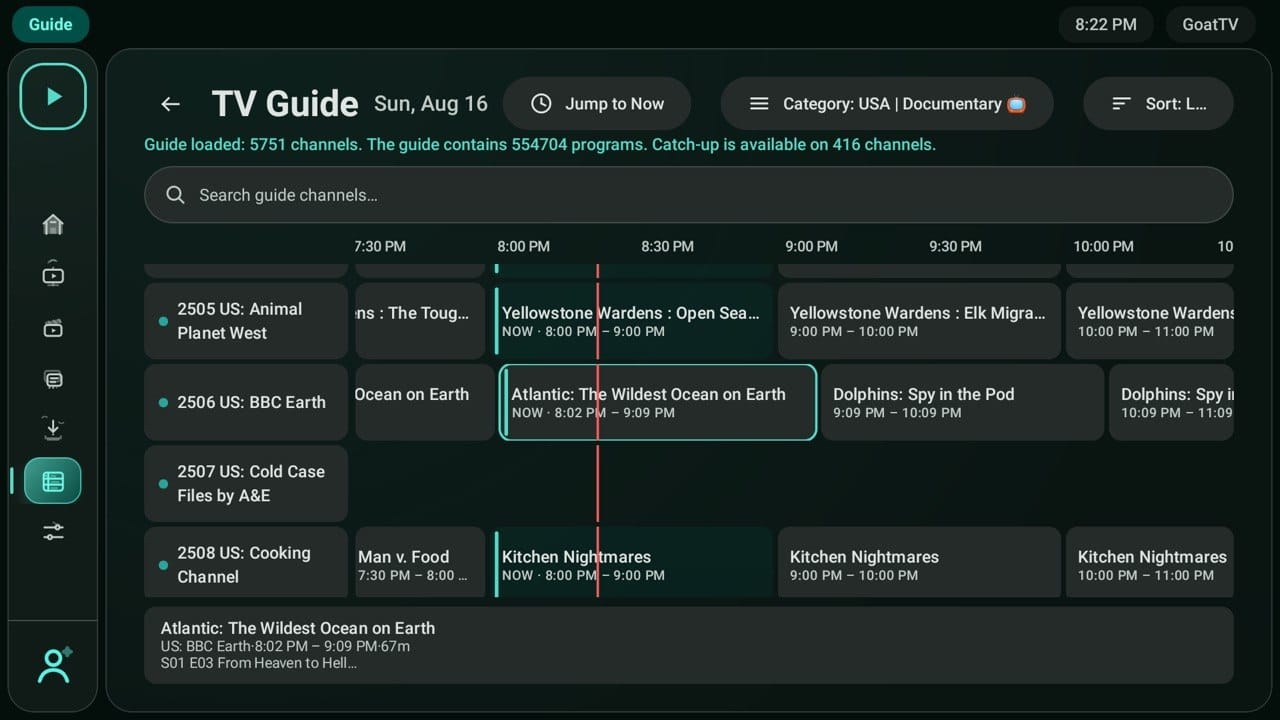
Same service. Different look. Choose the interface you like best.
📺 Four different interfaces — one great 5 Star Ultra experience.
Choose the style that works best for you and start watching in minutes.
📲 How to Download
Firestick / Android TV
- Open the Downloader app on your device.
- Enter the Downloader Code for the interface you want.
- Select Download / Install.
- Open the 5 Star Ultra app.
- Enter your 5 Star Ultra username & password.
- Start watching! ⭐
💡 Don’t have the Downloader app? Search “Downloader” in your device’s App Store and install it first.
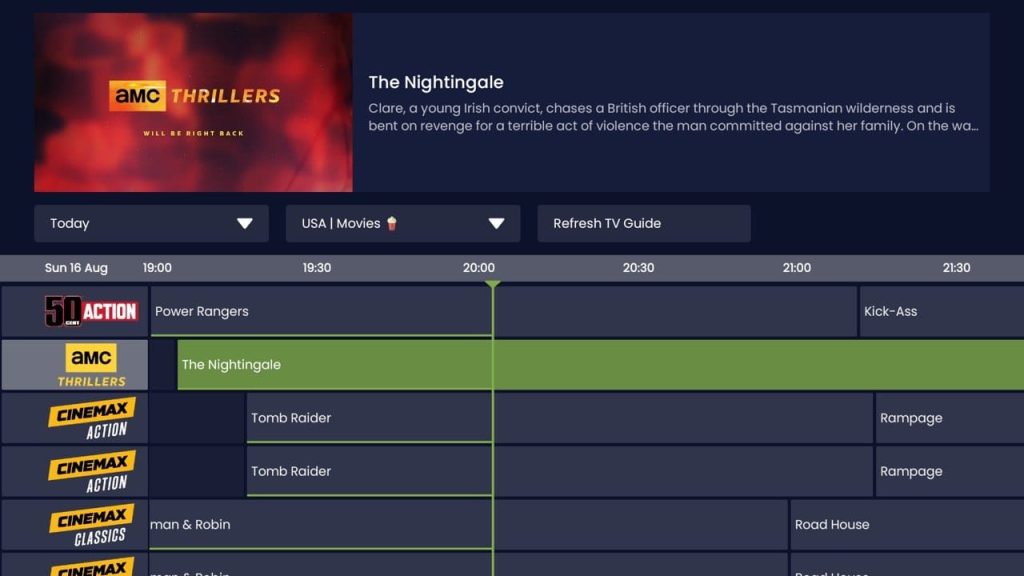
✨ 5 Star Ultra Modern
⭐ RECOMMENDED
Downloader Code: 6911738
Our cleanest and most modern interface.
✓ Live TV
✓ Movies & TV Shows
✓ TV Guide
✓ Favorites
✓ Search
✓ Continue Watching
✓ User Profiles
Best For: The cleanest & easiest viewing experience.
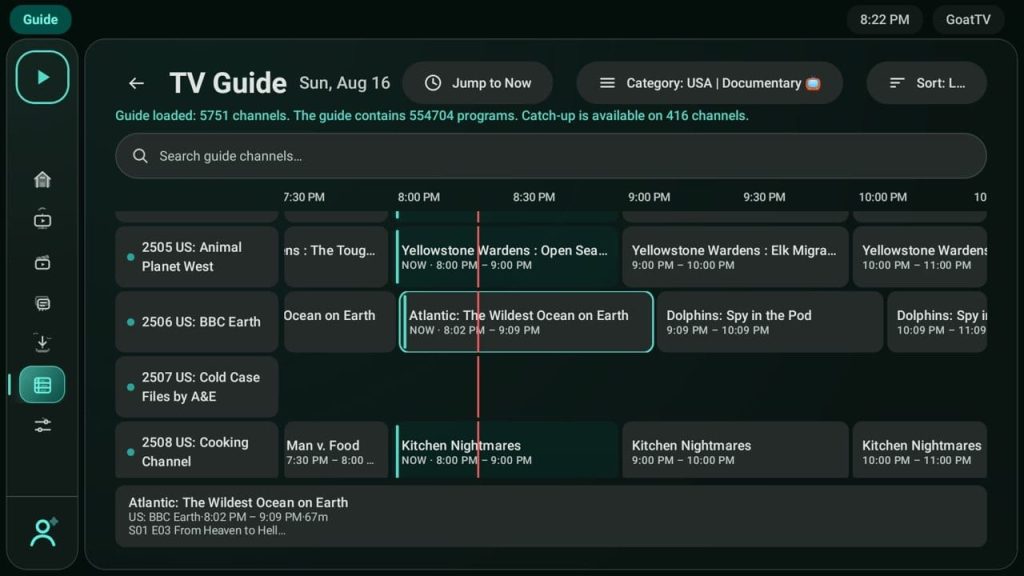
⭐ 5 Star Ultra Classic
Downloader Code: 4367290
A traditional TV-style interface packed with features.
✓ Live TV Guide
✓ Movies & TV Shows
✓ Favorites
✓ Search
✓ Multi-View
✓ Recording Support
Best For: 🏈 Sports fans & Multi-View.
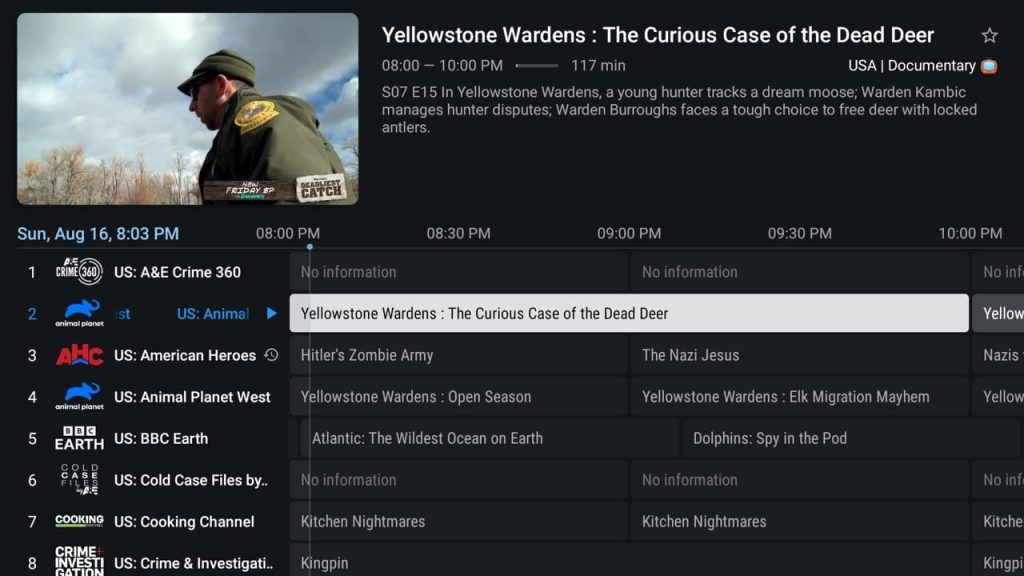
🌊 5 Star Ultra Wave
Downloader Code: 4767072
A modern interface with extra viewing features.
✓ Live TV
✓ Movies & TV Shows
✓ TV Guide
✓ Favorites
✓ Continue Watching
✓ Multi-Screen
Best For: 🔥 Customers who want more features.
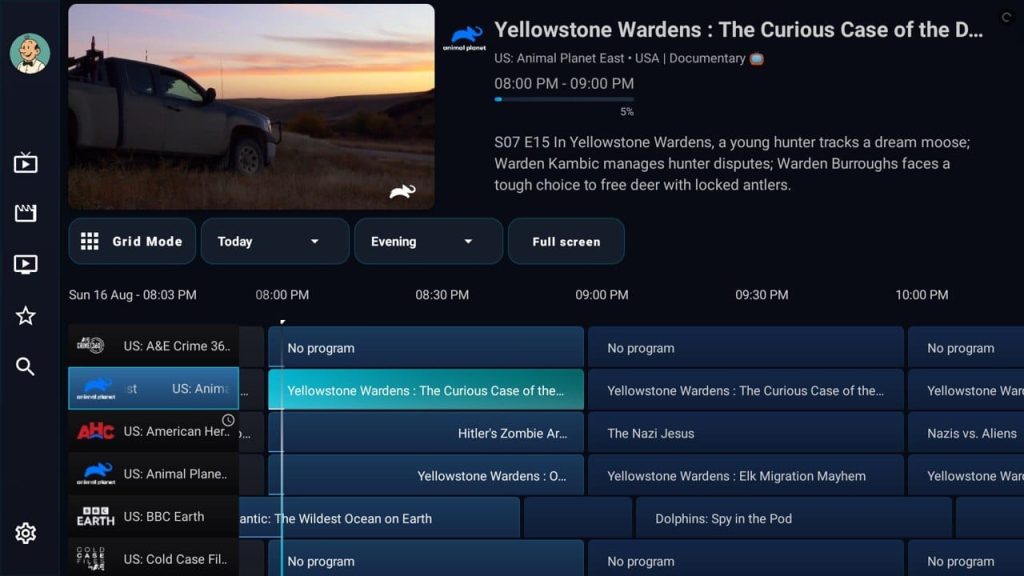
💜 5 Star Ultra Purple
Downloader Code: 8473088
Simple, clean and easy to navigate.
✓ Live TV
✓ Movies & TV Shows
✓ Favorites
✓ Search
✓ Easy Navigation
Best For: 👍 Beginners & simple viewing.
🤔 Which One Should I Pick?
✨ Cleanest & Best Overall → Modern — 1440897
🏈 Sports & Multi-View → Classic — 4367290
🌊 More Features & Multi-Screen → Wave — 4767072
💜 Simple & Easy → Purple — 8473088
📲 Quick Download Codes
✨ MODERN: 1440897
⭐ CLASSIC: 4367290
🌊 WAVE: 4767072
💜 PURPLE: 8473088
⭐ 5 STAR ULTRA
Pick Your Look. Download. Sign In. Start Watching.